 Sebastian Reategui
b94dc8eb83
Sebastian Reategui
b94dc8eb83
* Add "This fiscal year", "Last fiscal year" as date range options in Transaction Details to filter transactions to those periods
* Add fiscal year ranges to Statistics & Trend Analysis
* Add "fiscal year start date" to user profile settings, allowing the user to select any date of the calendar year as the start of the fiscal year
* Add "fiscal year format" to user profile settings, allowing the user to specify how financial year date labels should appear

Implementation notes:
* The default fiscal year start is January 1 and the default fiscal year display format is "FY 2025"
* Fiscal year start date (month number & day number) are stored together in db as a uint16, high byte & low byte respectively
* February 29 is disallowed as a fiscal year start date, since it is never used as a convention in any country
* Jest is added to the project as a dev dependency, for unit tests in frontend

Signed-off-by: Sebastian Reategui <seb.reategui@gmail.com>
ezBookkeeping




Introduction
ezBookkeeping is a lightweight self-hosted personal bookkeeping app with user-friendly interface for both desktop and mobile devices. It supports PWA, you can add the app homepage to the home screen of your mobile device and use it just like a native app. It's easily to be deployed and configured, you can just deploy it by a single command via Docker. It supports almost all platforms, including Windows, macOS, and Linux, and is compatible with x86, amd64 and ARM hardware architectures. It only requires very few system resources, and you can even run it on a Raspberry Pi device.
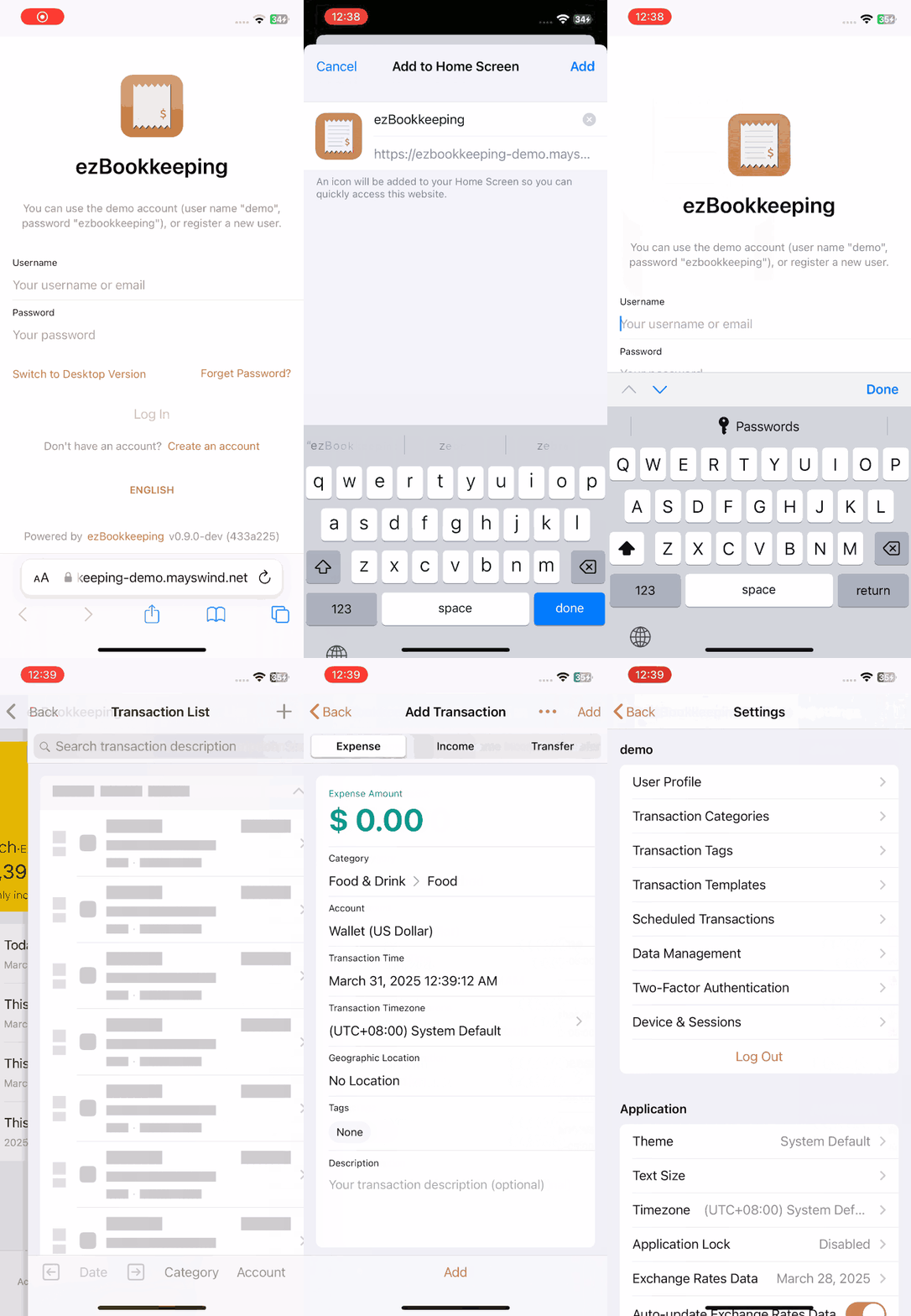
Online Demo: https://ezbookkeeping-demo.mayswind.net
Features
- Open Source & Self-Hosted
- Lightweight & Fast
- Easy Installation
- Support Docker
- Support multiple databases (SQLite, MySQL, PostgreSQL, etc.)
- Support multiple operation system & hardware architectures (Windows, macOS, Linux & x86, amd64, ARM)
- User-Friendly Interface
- Native UI for both desktop and mobile devices
- Support PWA, providing near-native experience for mobile devices
- Dark theme
- Powerful Bookkeeping Features
- Support two-level account
- Support two-level transaction categories and predefined categories
- Support transaction pictures
- Support geographic location tracking and map
- Support recurring transactions
- Search and filter transaction records
- Data visualization and statistical analysis
- Localization Support
- Multi-language support
- Multi-currency support with automatic exchange rate updates from various financial institutions
- Multi-timezone support
- Customizable date, time, number and currency display formats
- Security & Reliability
- Two-factor authentication (2FA)
- Login rate limiting
- Application lock (PIN code / WebAuthn)
- Data Export & Import (CSV, OFX, QFX, QIF, IIF, GnuCash, FireFly III, Beancount, etc.)
Screenshots
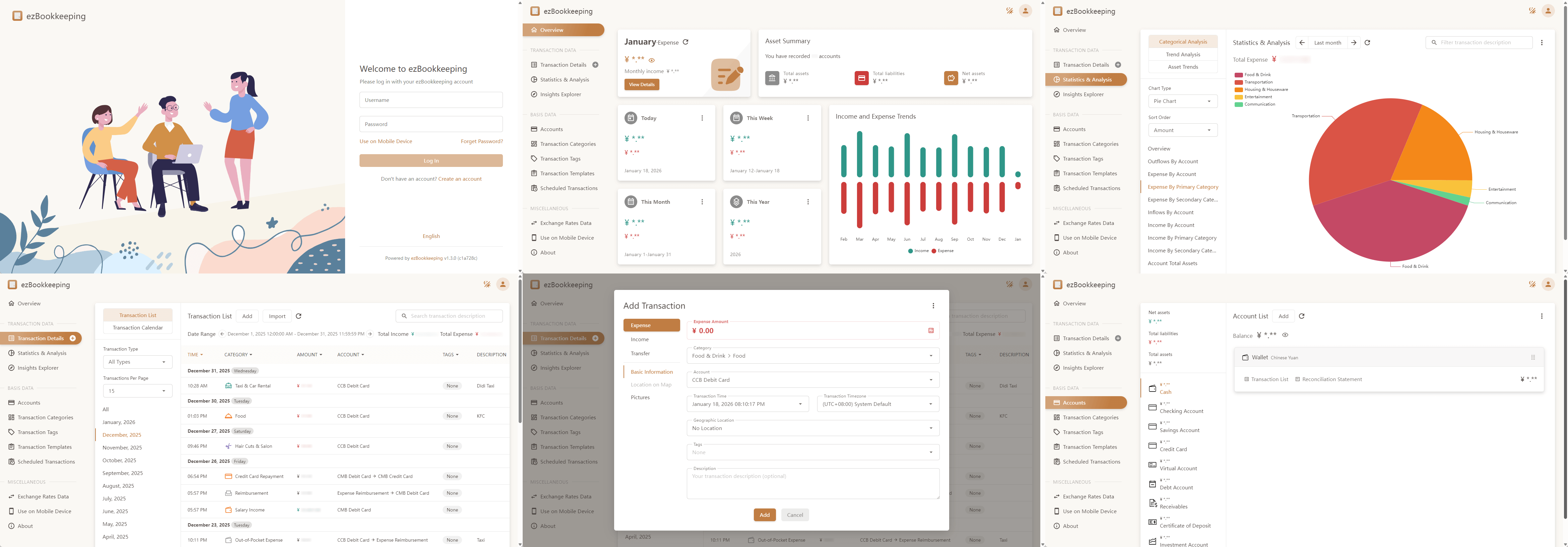
Desktop Version
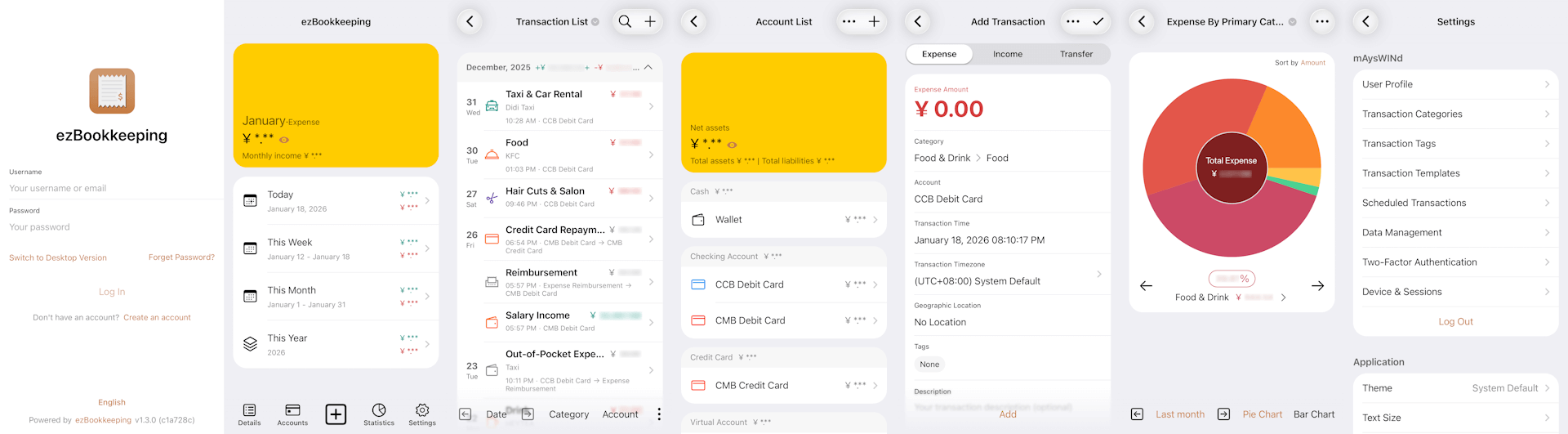
Mobile Version
Installation
Ship with docker
Visit Docker Hub to see all images and tags.
Latest Release:
$ docker run -p8080:8080 mayswind/ezbookkeeping
Latest Daily Build:
$ docker run -p8080:8080 mayswind/ezbookkeeping:latest-snapshot
Install from binary
Latest release: https://github.com/mayswind/ezbookkeeping/releases
Linux / macOS
$ ./ezbookkeeping server run
Windows
> .\ezbookkeeping.exe server run
ezBookkeeping will listen at port 8080 as default. Then you can visit http://{YOUR_HOST_ADDRESS}:8080/ .
Build from source
Make sure you have Golang, GCC, Node.js and NPM installed. Then download the source code, and follow these steps:
Linux / macOS
$ ./build.sh package -o ezbookkeeping.tar.gz
All the files will be packaged in ezbookkeeping.tar.gz.
Windows
> .\build.bat package -o ezbookkeeping.zip
All the files will be packaged in ezbookkeeping.zip.
You can also build docker image, make sure you have docker installed, then follow these steps:
Linux
$ ./build.sh docker